Habits iOS App
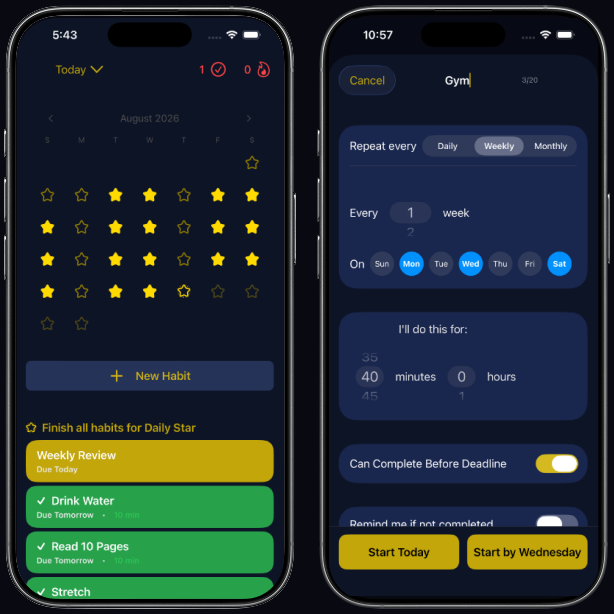
Most habit trackers count daily streaks. That model fits brushing your teeth, but not "go to the gym three times a week", and it punishes the week you're sick with a reset to zero. I designed this app around how people actually keep commitments:
- Windows, not days. A habit is due by a deadline and can be done any time before it, so a Tuesday workout counts whether it happens Monday or Tuesday.
- Urgency you can see at a glance. Each habit's color shifts from green to yellow to red as its deadline approaches and passes, so the list sorts your attention without a single notification.
- Setbacks without guilt. Snoozing pauses a habit for days or weeks and previews the next due date, instead of breaking a streak.
- Purpose, not just a checklist. Habits group under the goal they serve, which makes the small tasks easier to keep doing.
- Your data stays yours. Everything is stored on the device, iCloud sync is opt-in, and a full export is one tap away.
Built in Swift with SwiftUI, SwiftData for storage, WidgetKit for interactive Home Screen widgets, and CloudKit for the optional sync.
Star Chart
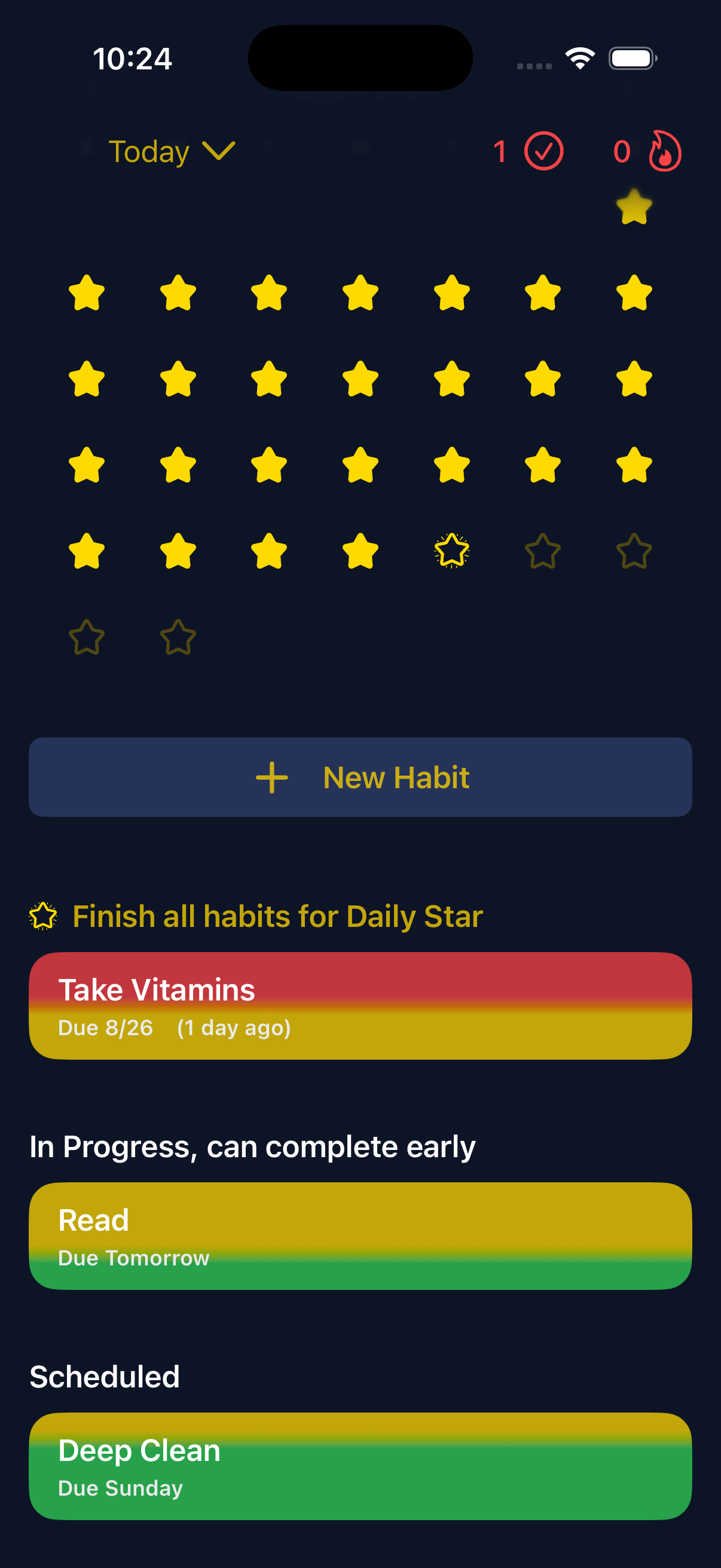
Complete every habit due today to earn a star, reading as a constellation of on-track days over weeks and months. Your active habits are sorted into:
Overdue
In Progress, can complete early
Scheduled
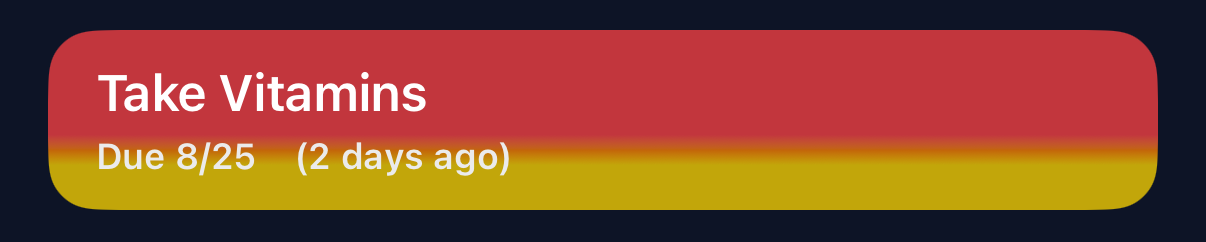
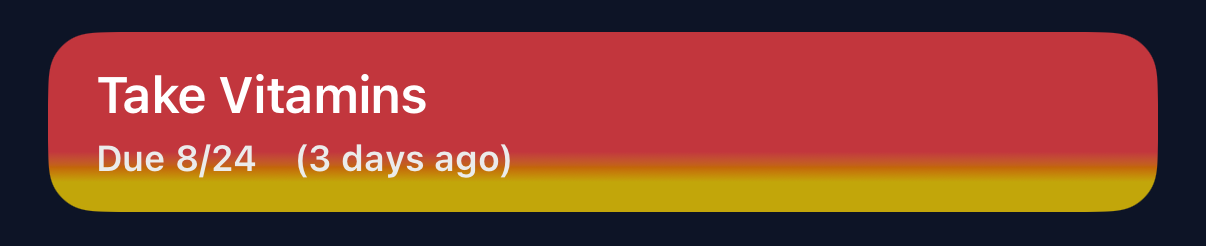
The urgency gradient
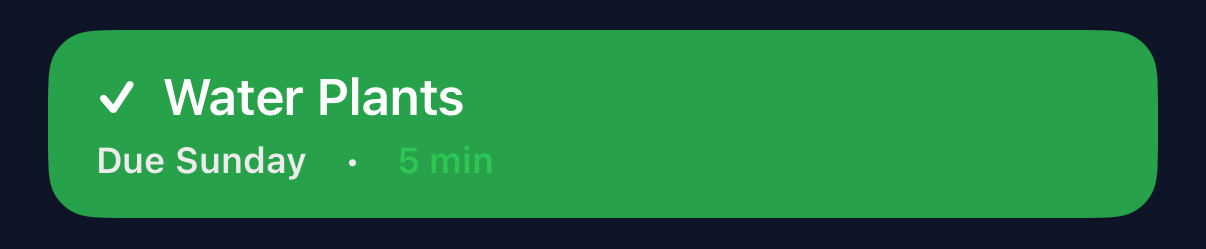
When just completed, a habit is green.

As the deadline approaches, it starts shifting to yellow.


On the final date to complete it, it's yellow.
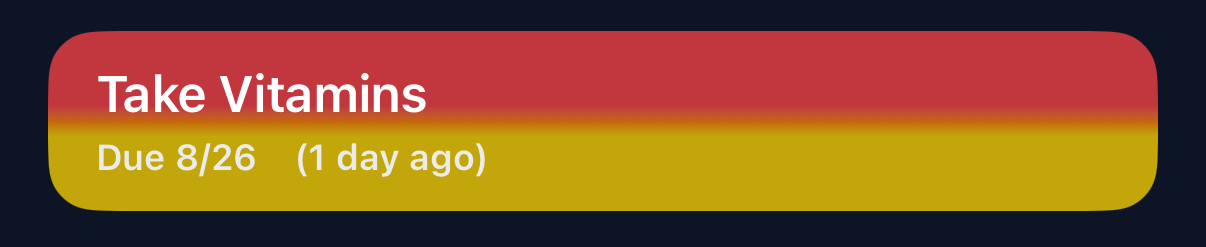
As it becomes more overdue, it starts shifting to red.
Habits
Flexible windows
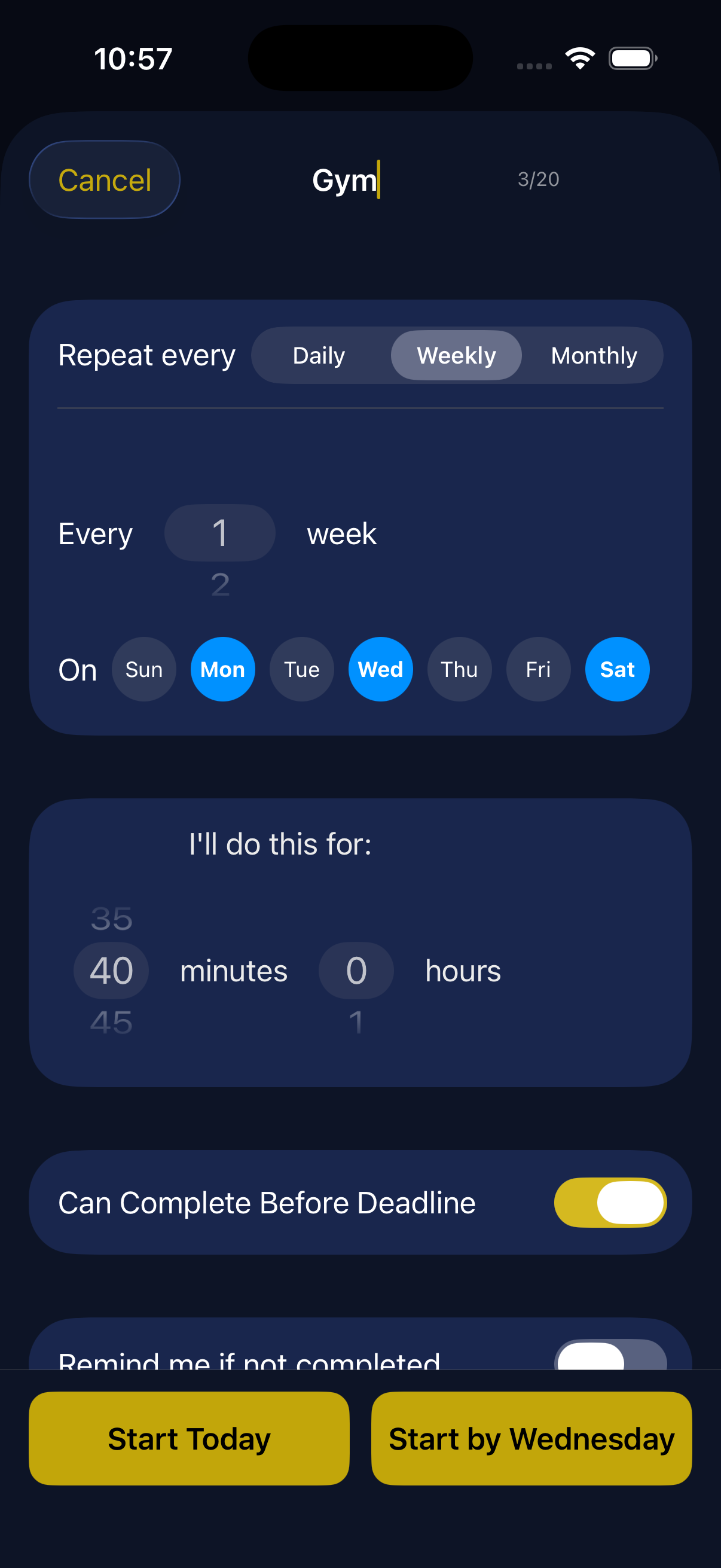
Every habit has a "Can Complete Before Deadline" toggle. Turn it on and the habit becomes a window rather than a fixed date.
Starting mid-stream
When you create a recurring habit, you're asked whether to Start Today or Start by [deadline]. If you already did the thing today — went for a run before you thought to log it — Start Today counts it immediately instead of forcing you to wait for the next cycle to begin tracking. Or it gives you the time to complete a new task.
Reminders
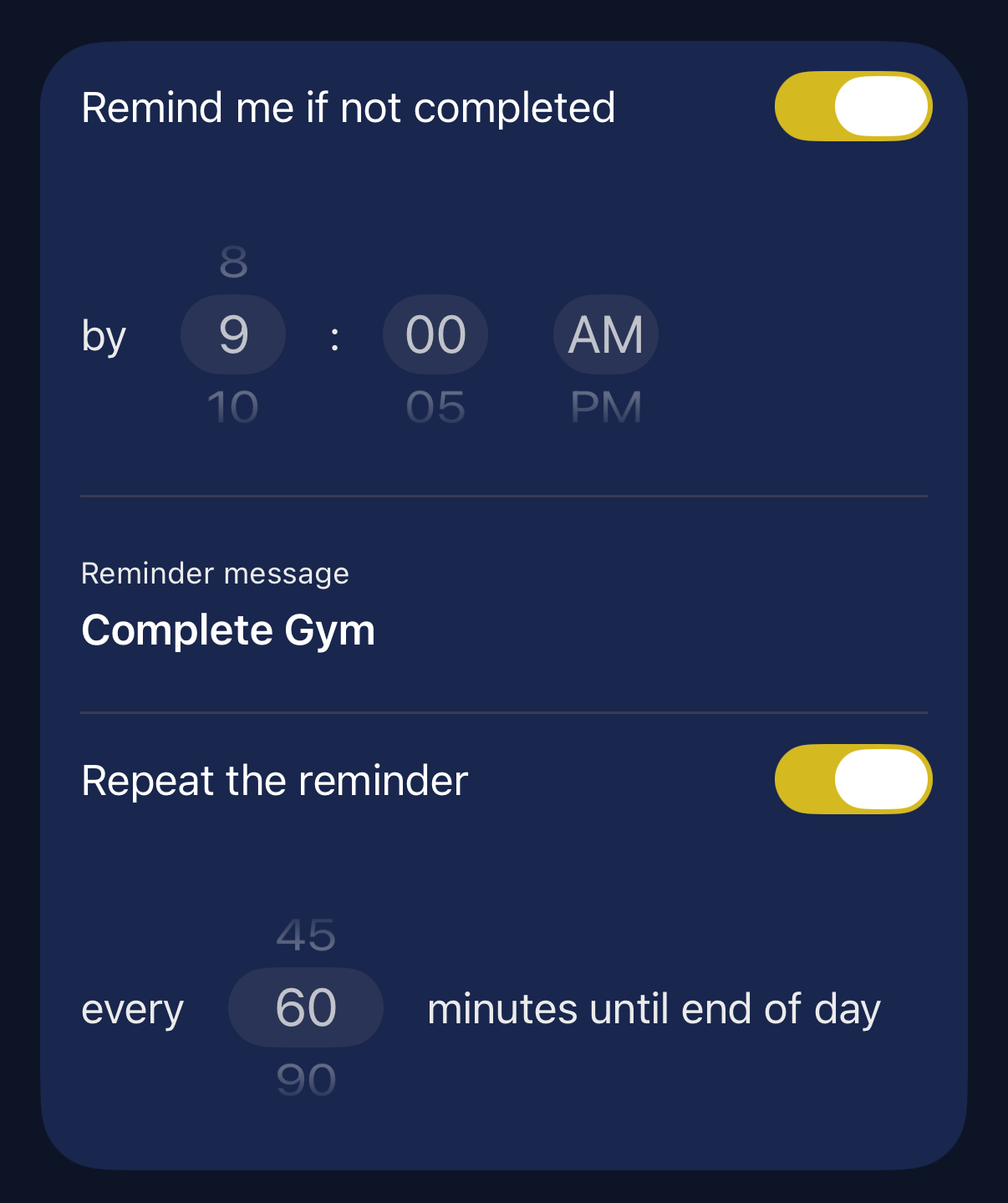
Each habit can carry an optional reminder with a custom message, and — if you need it — a repeating nudge every N minutes until end of day for high priority items.
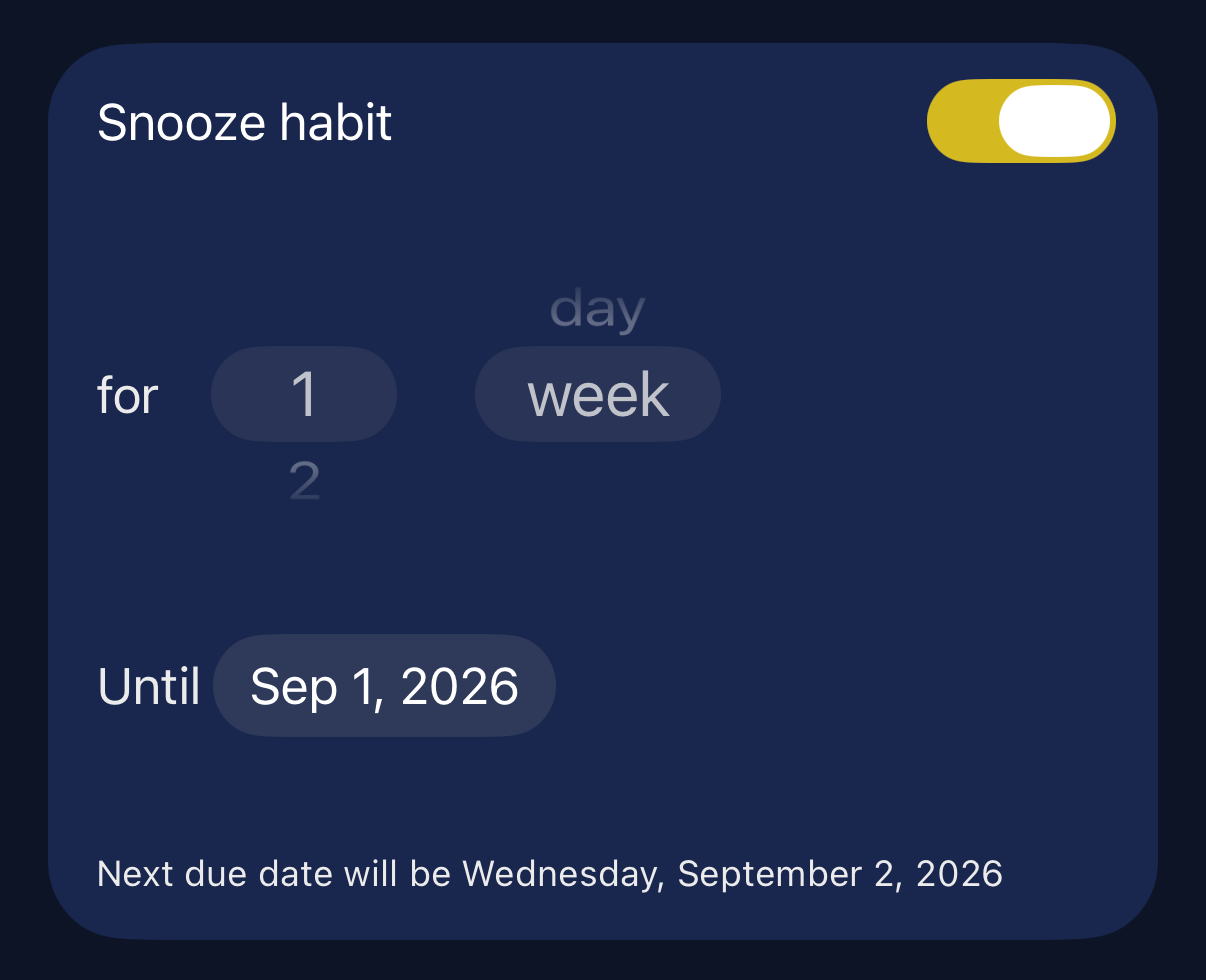
Snoozing without breaking the habit
Life happens. A habit can be snoozed for a set number of days or weeks, with the next due date previewed up front — so a sick week or a trip doesn't quietly reset progress or guilt you on the way back.
Goals
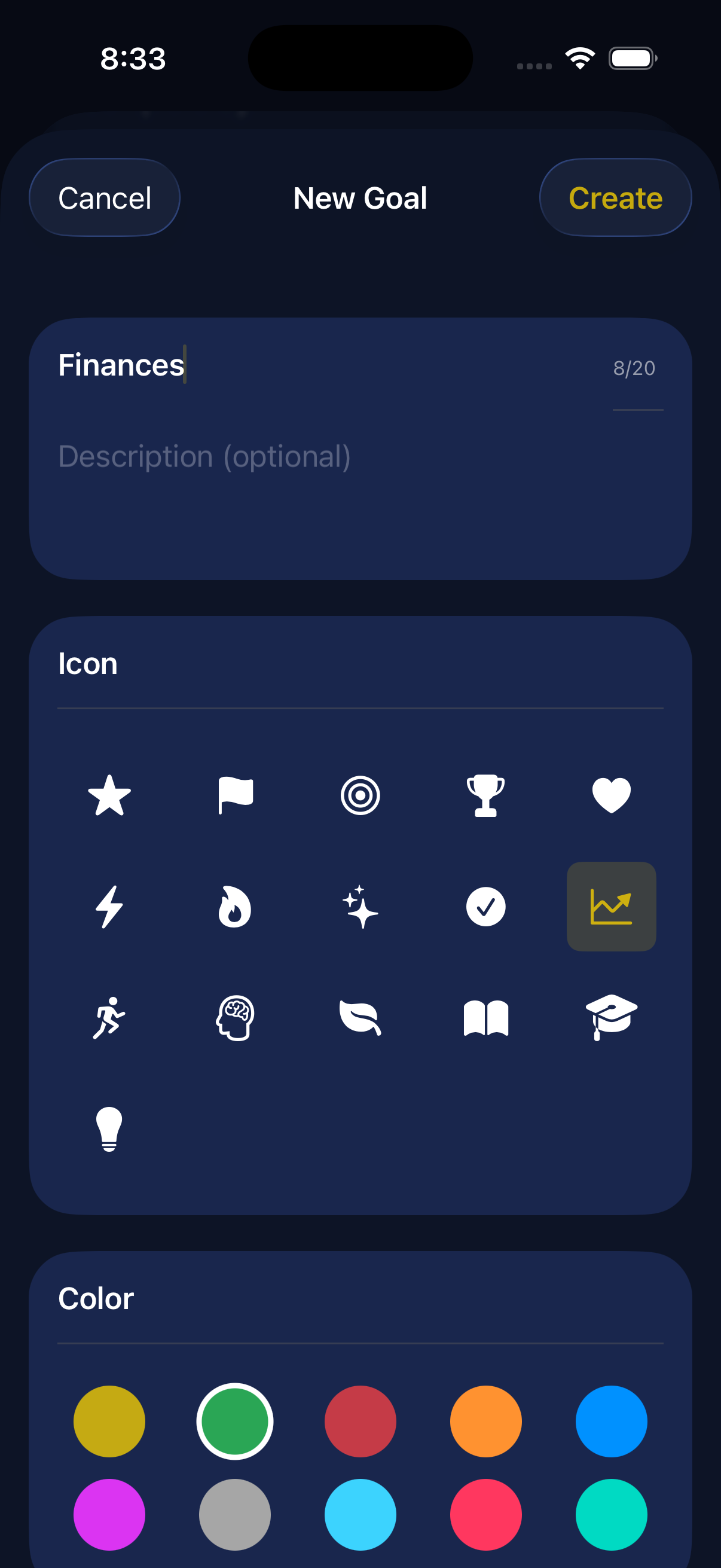
Habits can be grouped under custom Goals.
It can be easy to put off doing a task, but increases its importance and purpose when remembering the overall Goal you are working on achieving. Breaking up your goals into granular achievable pieces can help make them realistic.
Widgets
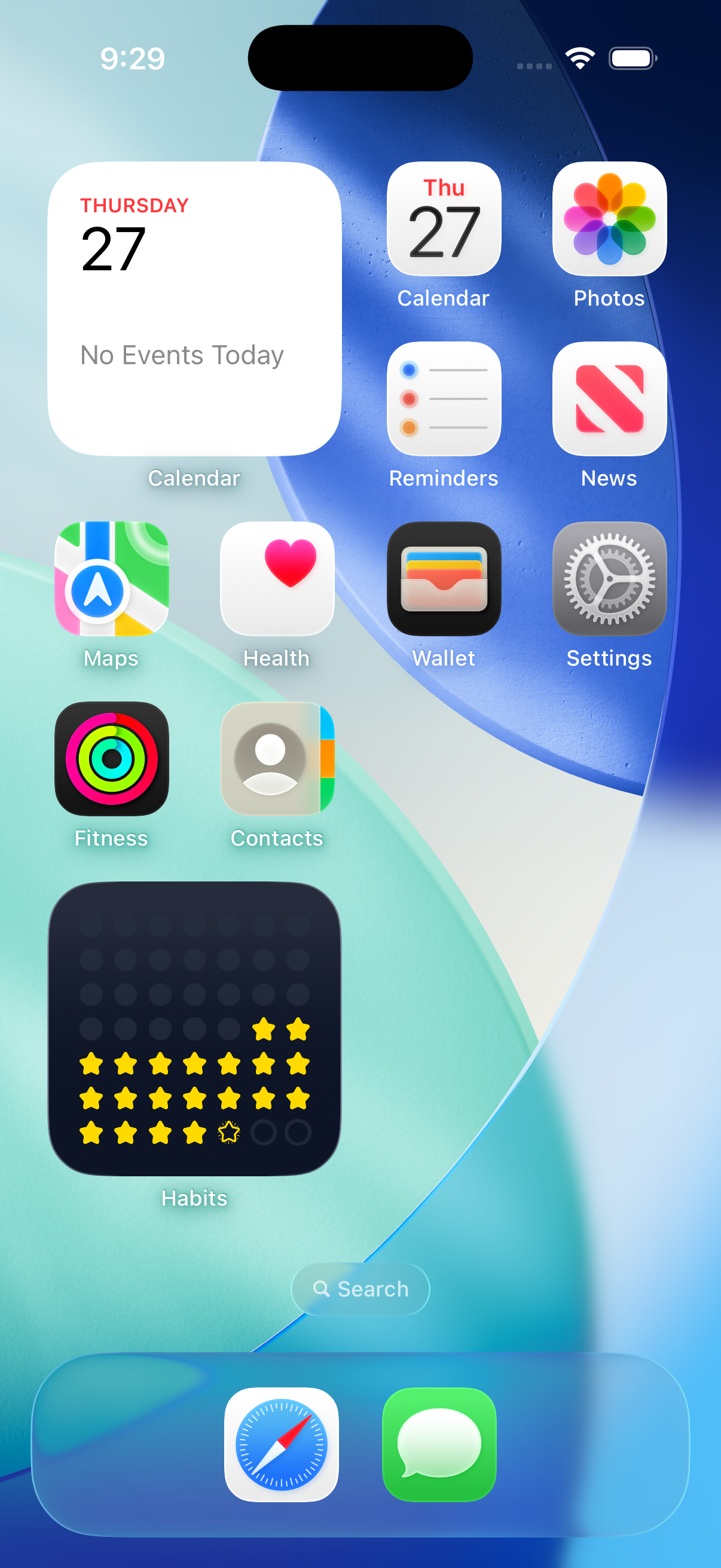 | 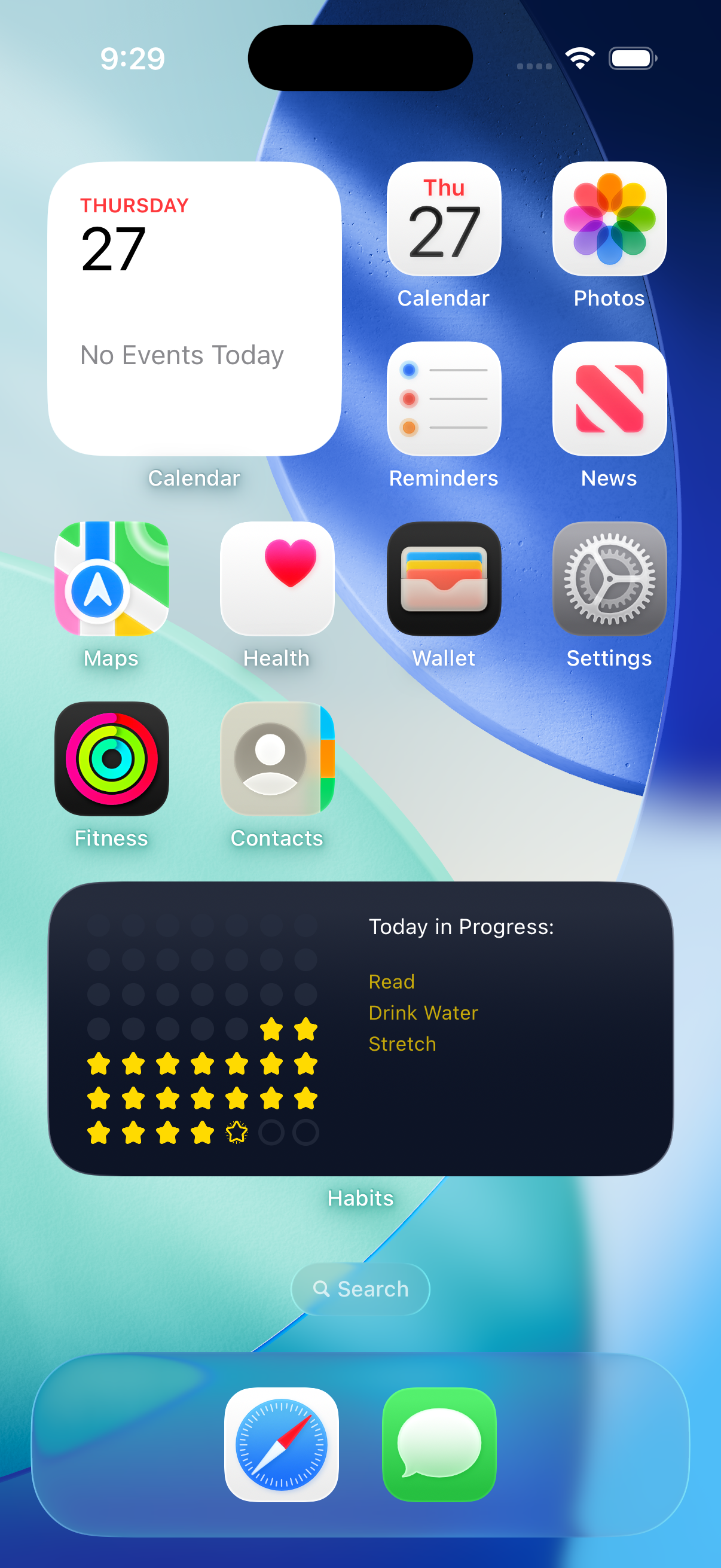 | 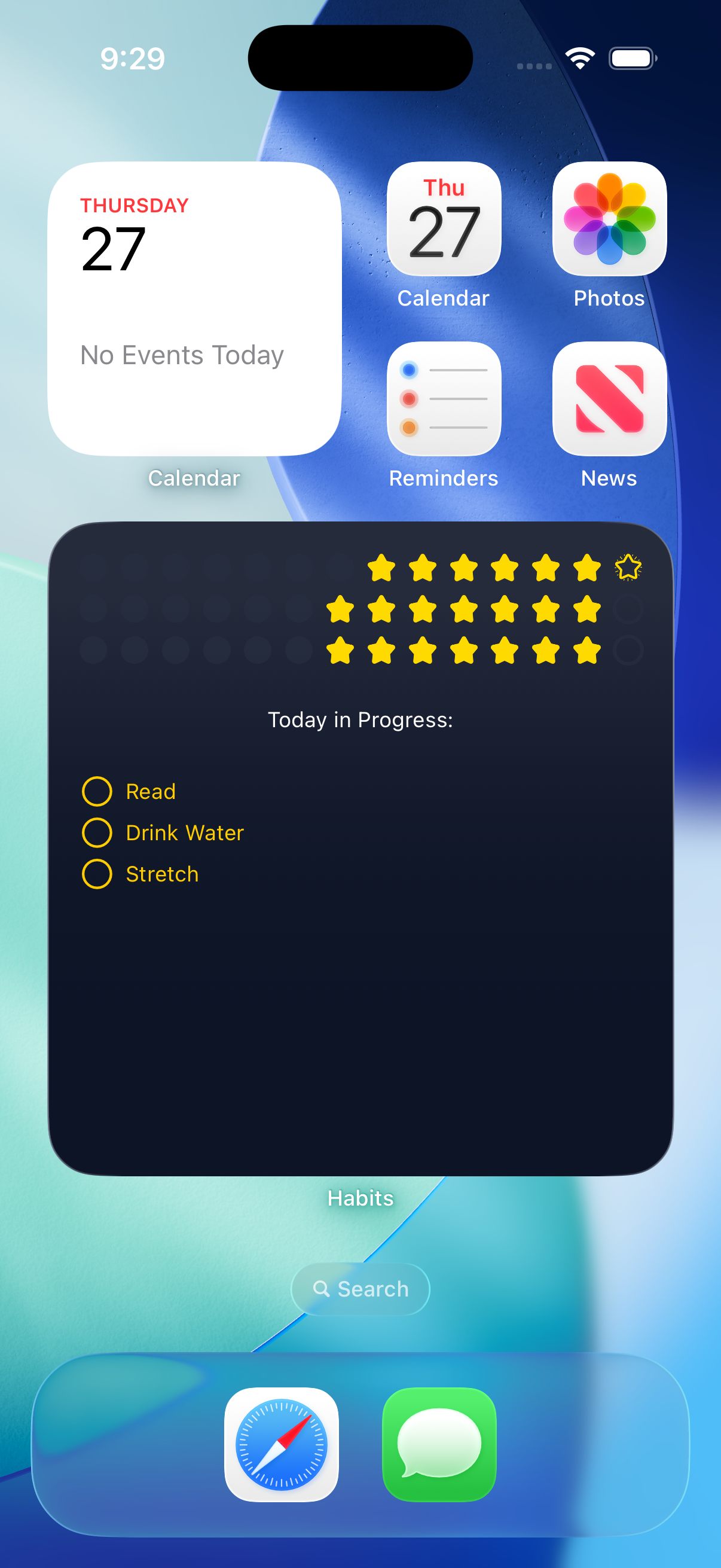 |
| Small — the simplified star chart | Medium — with a list of the habits due today | Large — tap a habit to complete it without opening the app |
Privacy
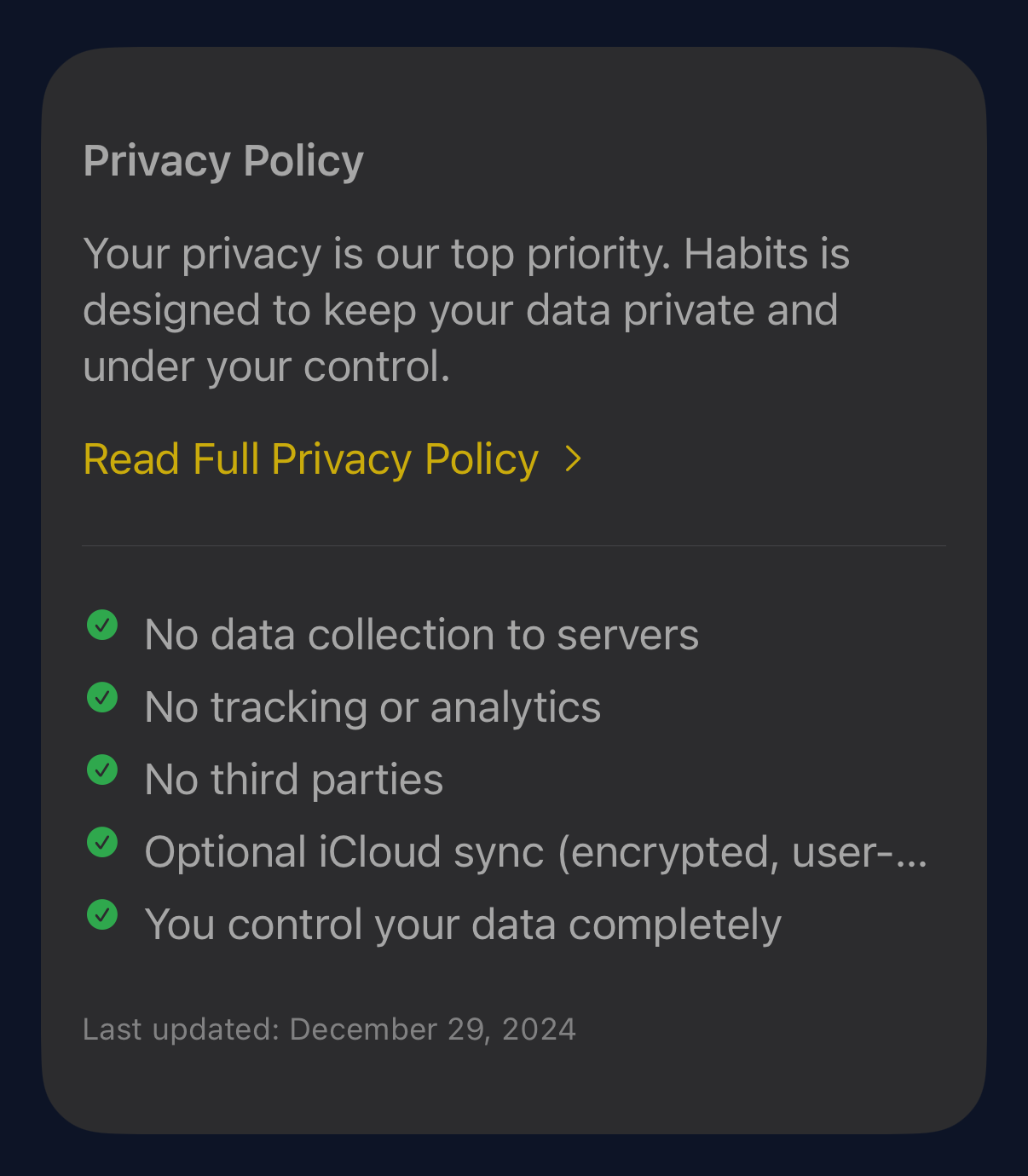
Privacy Policy
No tracking or third-party services, full CSV export of your created data on demand, and a plain-language privacy policy.
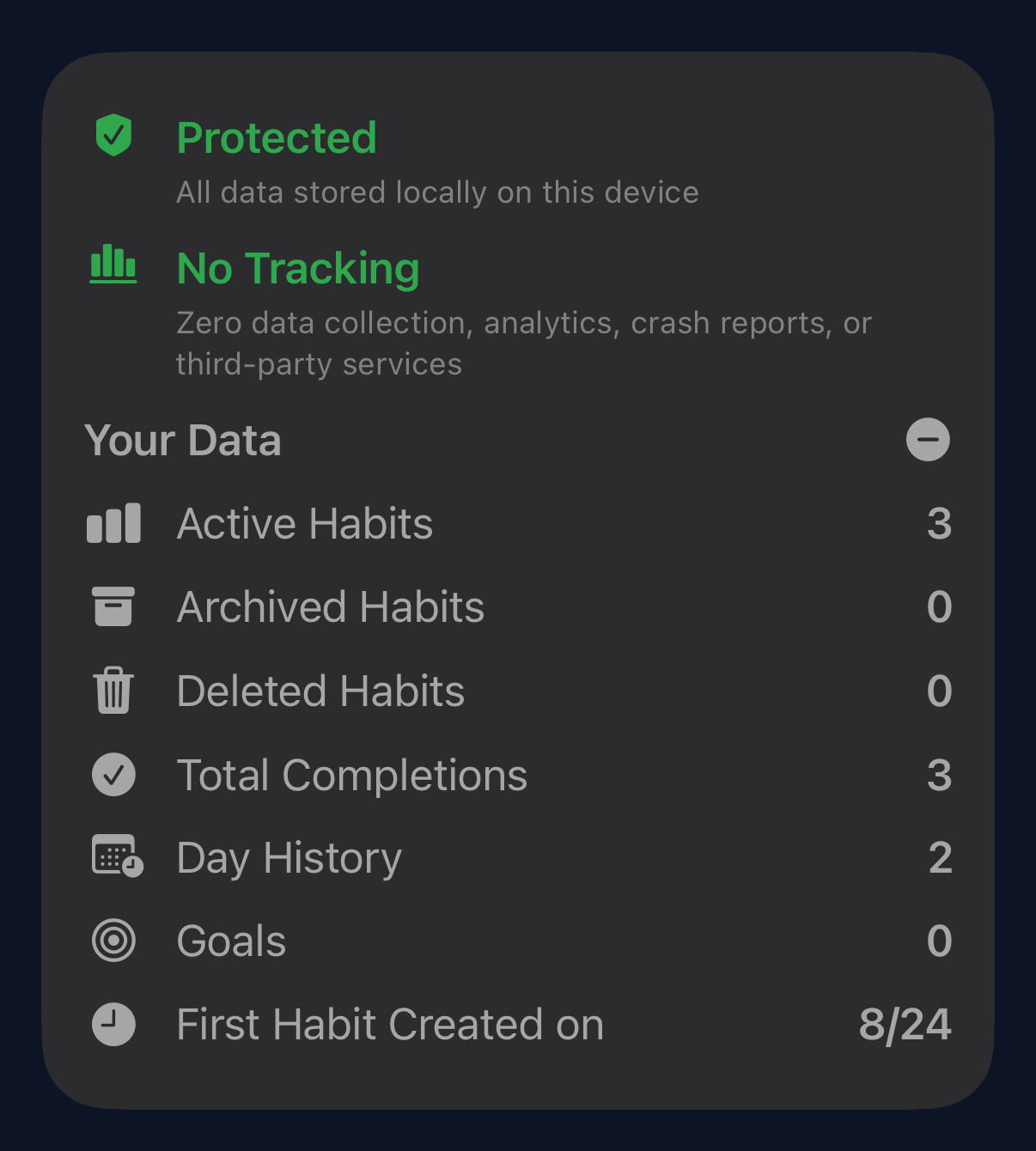
See your data
An expandable "Your Data" panel shows exactly what's being stored locally in SwiftData.
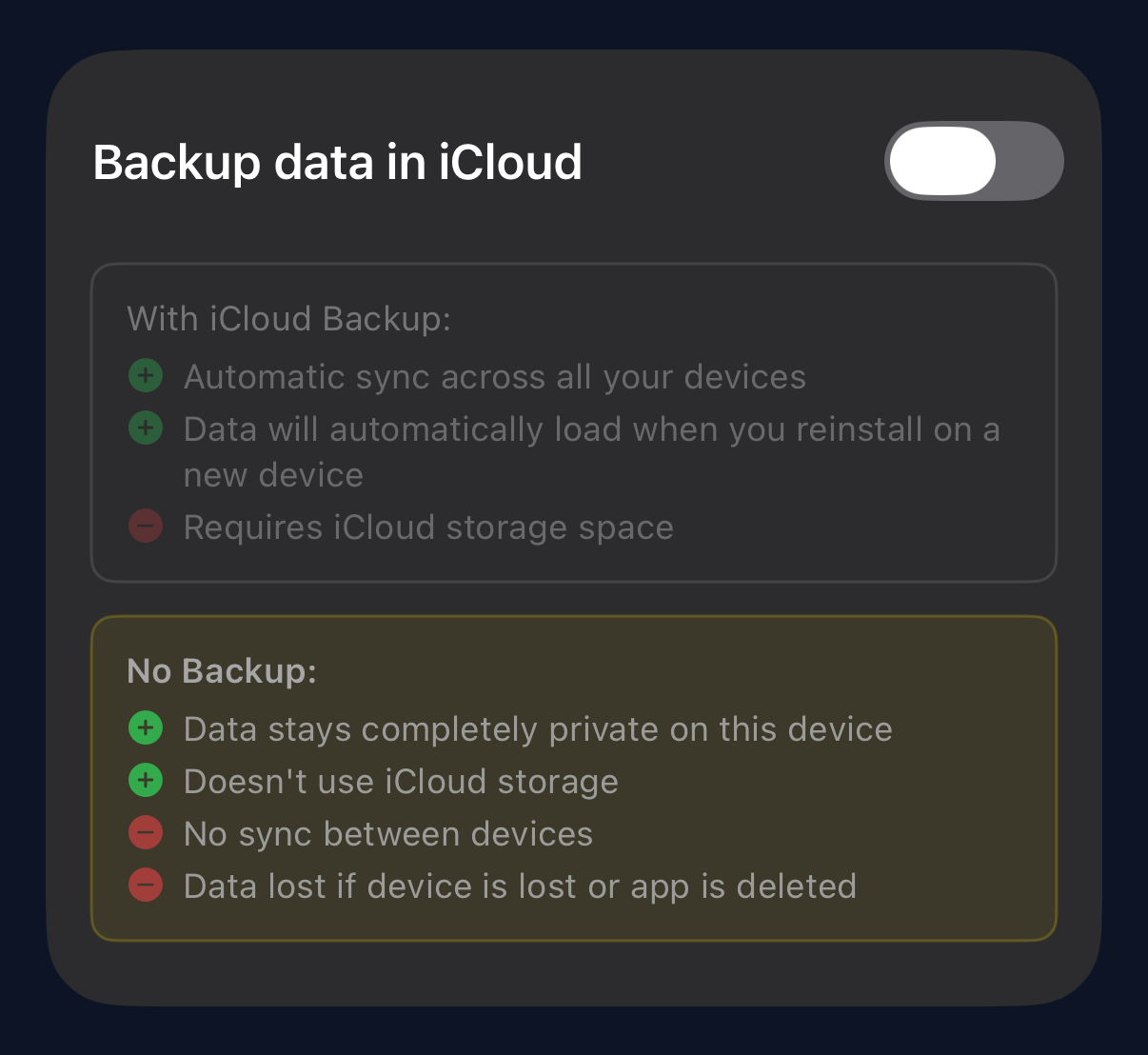
Local by default, synced by choice
All data lives only on your device unless you opt in to iCloud backup so you can view your data on multiple devices.
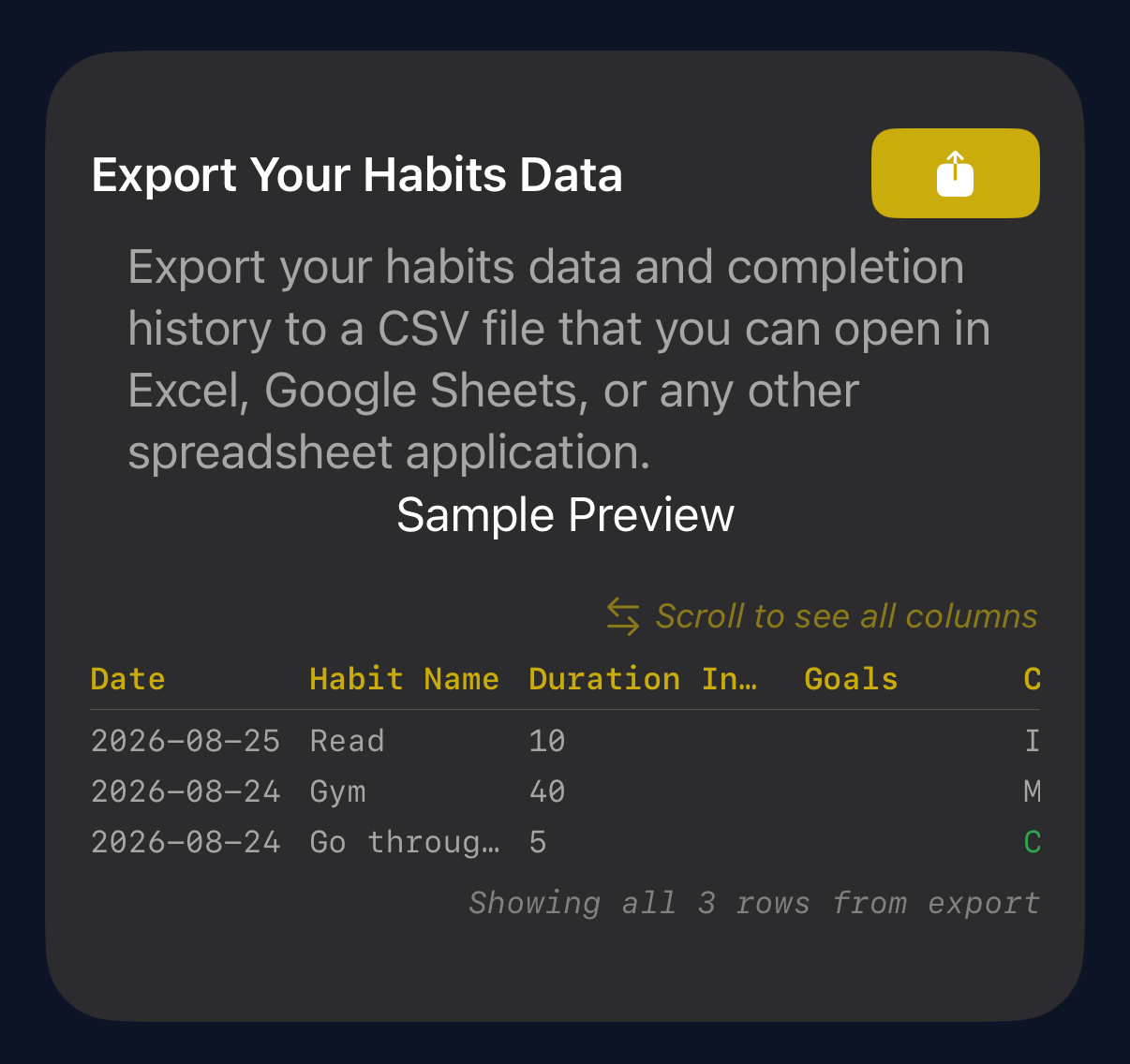
Export Your Data
No pressure of being locked into this particular habit/task/goal tracking app, export your full data at any time so you can work with it or transition it to another platform.